Vermont TAD for a Second Machine
Adding a second ATV or UTV to your Vermont riding setup can mean buying another Trail Access Decal, even if your first machine already has one. The key is that trail access is tied to each machine, not simply to the person riding. Here’s how the second-machine TAD works, what to check before ordering, and how to avoid arriving with the wrong decal.
Why a second machine needs its own TAD
A Vermont Trail Access Decal, or TAD, provides access to trails in the Vermont Association of Snow Travelers’ ATV system and participating club corridors, subject to the applicable rules and trail openings. It is separate from vehicle registration. If you ride a machine on those trails, having a registration plate alone does not replace the TAD requirement.
The practical rule is machine-specific: each machine you plan to ride on the system needs its own valid decal. A TAD on your first ATV does not give your second ATV or side-by-side access, even if both machines belong to you or are used by the same family.
That matters when you:
- Bring a second machine on a group or family ride.
- Keep an ATV and a side-by-side for different kinds of terrain.
- Replace a machine during the riding season.
- Tow a visitor’s machine to Vermont.
- Have a spare machine that another rider may use.
A second-machine rate may be available through the current TAD purchase schedule. It is not the same as a shared pass: the additional decal still applies to a specific machine, and it must be placed on that machine as directed. Check the current eligibility rules and amount before paying, since fees and purchase terms can change.
A TAD also does not, by itself, make every road or trail legal to ride. Town roads have separate access rules, and club corridors can close or change. Read Vermont Requires Registration Plus a TAD for the distinction between registration and trail access, and check Vermont ATV Trails: The VASA System for a broader explanation of the trail network.
How second-machine eligibility and cost work
The TAD schedule distinguishes between a primary machine and additional machines. It also separates Vermont-registered machines from machines registered outside Vermont. Those categories can have different charges, so do not assume that the second-machine amount for a Vermont-registered ATV applies to an out-of-state machine.
The exact amount and eligibility conditions are set by the current program. Before ordering, confirm which category fits each machine and whether the order qualifies for a second-machine rate. The current program information is the right place to verify the fee, what documentation is needed, and whether the decals can be purchased together.
| Your situation | What to check before buying |
|---|---|
| Your second machine is registered in Vermont | Confirm that the current schedule has an additional-machine rate for Vermont-registered machines and check the qualifying purchase process. |
| Your second machine is registered outside Vermont | Look for the visitor-machine category. Do not assume the Vermont second-machine rate applies. |
| You are buying decals for several machines | Confirm how the program counts additional machines and whether they must be included in one order. |
| One machine is being replaced | Ask whether the existing decal can be transferred or whether the replacement needs a new decal. |
| You are buying for another rider’s machine | Check whose information and machine details the order requires; ownership by one person does not automatically make decals interchangeable. |
The program may bundle club dues into the TAD cost. That means the amount is not necessarily just a charge for a piece of adhesive. The purchase supports access through the trail system and its participating clubs. Read Why the Price Includes Club Dues if you want to understand what that part of the cost supports.
For visitors, Vermont recognizes certain out-of-state registrations for access purposes, but recognition of a registration is not the same as a TAD. A visiting machine may still need its own Vermont decal to use the club trail system. If you are bringing multiple machines from another state, check both the machine category and the number of decals needed. Vermont Out-of-State Machines Still Need a TAD explains the visitor requirement, while Vermont Reciprocity for Out-of-State Machines covers how reciprocity and trail access fit together.
Do not rely on an old receipt, last season’s price, or what another rider paid. The fee and purchase terms can change. Confirm the current schedule through the TAD seller or the relevant Vermont trail program before placing the order. If a second-machine discount is offered, verify that your machines qualify rather than assuming the system will apply it automatically.
Ordering and putting the decal on the right machine
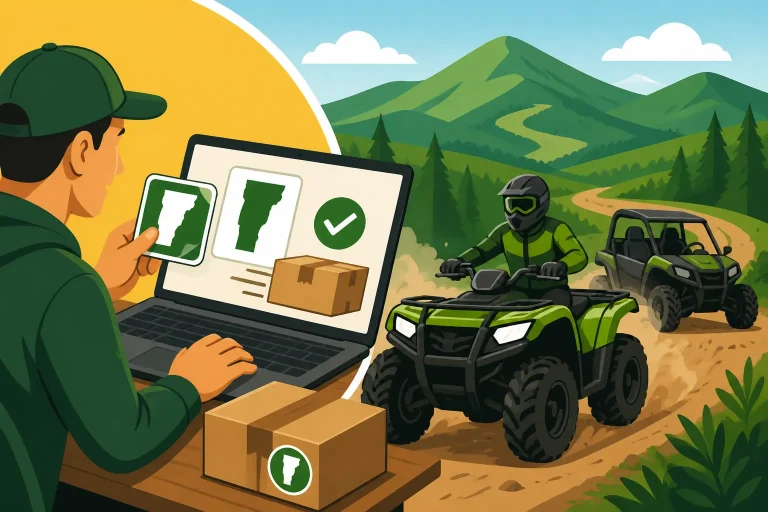
A little preparation helps prevent a common problem: buying the right number of decals but assigning one to the wrong machine. Gather the basic information for every ATV or UTV in the order, including its registration status and identifying details requested by the seller. If the order asks you to select a machine category, use the registration information for that specific vehicle.
A straightforward process is:
- List every machine you plan to ride. Include the first machine and each additional ATV or UTV. If a visitor is bringing a machine, include it separately rather than treating it as covered by your own decal.
- Check the registration category for each one. Vermont-registered and out-of-state machines may appear in different parts of the TAD schedule.
- Review the current second-machine terms. Confirm which machines count as additional machines, whether they need to be purchased in the same order, and what information must accompany the application.
- Buy the correct number of decals. A TAD is for the machine it is issued to; it should not be treated as a rider’s pass that can move between vehicles.
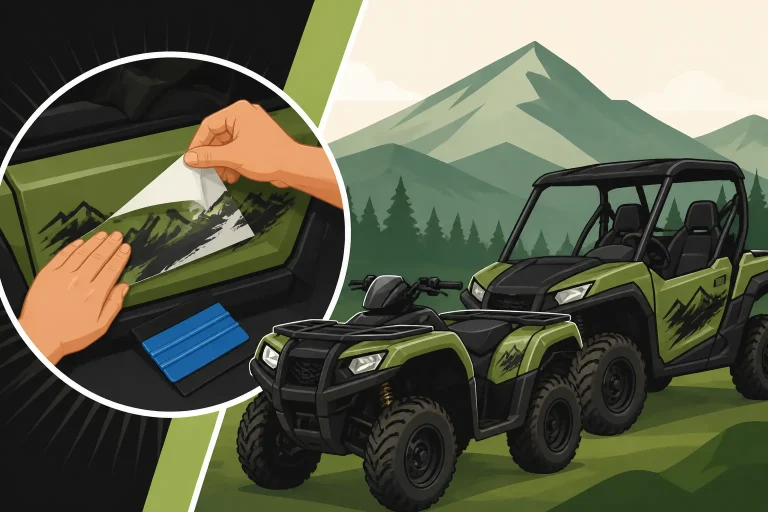
- Match each decal to its machine. Before applying anything, check the machine details and follow the placement directions. Keep the order confirmation or other purchase record with your riding documents.
- Check the expiration date and trail status. TADs expire on the program’s annual schedule, and a valid decal does not mean every corridor is open.
For placement guidance, see Vermont TAD Placement on the Machine. If a decal is lost or damaged before you apply it, use the process for replacements rather than purchasing another one without checking. [Vermont TAD Replacement If Lost] covers that situation.
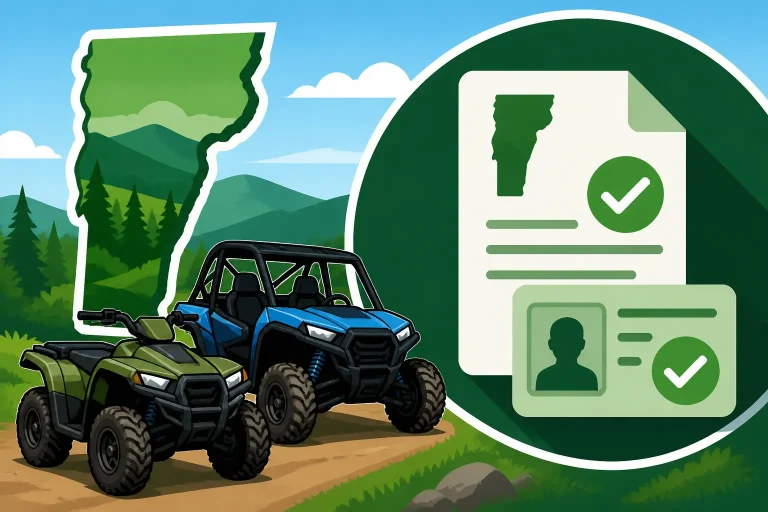
The TAD does not replace registration paperwork, proof of ownership, or any other document required for the machine. Keep the machine’s registration current and carry the documents required for your situation. If you are unsure what you need for a Vermont-registered machine, Do You Need to Register an ATV in Vermont? is a useful starting point. Visitors can also review Vermont Visitors Registering at Home First before travelling.
If you are ordering for multiple people, make the machine-to-decal match clear before the decals are applied. That is especially helpful when machines look alike, when a family has more than one machine of the same type, or when the person placing the order will not be the person who rides each vehicle. A simple written list of machine identifiers and assigned decals can prevent confusion later.
Common second-machine mistakes to avoid
The most frequent misunderstanding is thinking a second-machine TAD is an extra rider pass. It is not. The decal is associated with a machine, so two vehicles that may be used on the trail system need separate coverage, even if only one person owns them or only one is ridden at a time.
Other avoidable mistakes include:
- Assuming a registration plate is enough. Registration and the TAD serve different purposes. A registered machine may still need a TAD for VASA and participating club trails.
- Using the wrong category. An out-of-state machine may be handled under a visitor category rather than the Vermont-registered second-machine category.
- Assuming a decal can be moved freely. Do not transfer a decal between machines unless the program’s current rules expressly allow it. Check Transferring a Decal to a New Machine if you have replaced or changed vehicles.
- Waiting until the trailhead to sort it out. Buy and place the right decals before setting out. A rider may be turned around if the machine does not have the required access decal.
- Forgetting the annual expiration. A decal purchased during the year may still expire on the program’s regular annual date. Check Why Every Vermont TAD Expires on December 31 for details about the expiration schedule.
- Assuming a TAD opens every route. Trail access depends on the corridor, club rules, landowner permission, and current closures. Stay on marked routes and check conditions before hauling out.
- Treating a spare machine as covered because it is rarely used. If it goes onto the system, make sure it has the required decal, even if it is brought along only occasionally.
If you are taking two machines on one trip, check the access requirements for both before loading the trailer. Confirm that each machine has the correct decal, that each decal is readable and properly attached, and that both machines are eligible for the routes you intend to ride. A decal does not override a club closure, a landowner restriction, or a town’s road rules.
For a quick pre-ride check, confirm the TAD on each machine, its registration status, the current trail conditions, and any rules that apply to the route. Visitors should also verify that their home registration is recognized and that they have bought the appropriate TAD for every machine. What a Trail Warden Checks can help clarify what may be checked on a corridor.
Disclaimer
This article is for general informational purposes only and does not constitute professional advice. Laws, prices and regulations vary by location and change over time. Consult a qualified professional for guidance on your specific situation.